
When building an online store, the temptation to use nulled Shopify themes can be strong, especially for entrepreneurs on a tight budget. These unauthorized copies of premium themes promise the same functionality and design at zero cost. But what exactly are “nulled Shopify themes,” and what risks do they pose to your business?
Nulled themes are pirated versions of premium Shopify themes that have had their licensing and security features removed or bypassed. While they may seem like a money-saving shortcut, they can lead to serious consequences for your online business. As a resource hub for developers, Nulldl.com provides legitimate tools and information to help you make better choices for your ecommerce site.
In this comprehensive guide, we’ll explore the dangers of using nulled themes, compare them with legitimate alternatives, and show you how to build a secure, professional online store without compromising your business’s future.
Is It Safe to Use Nulled Shopify Themes?
The short answer is no. Using nulled Shopify themes exposes your business to significant risks that far outweigh any initial cost savings. Here’s why nulled themes are dangerous for your ecommerce business:
Major Security Risks of Nulled Themes
Nulled Shopify themes often contain malicious code that can compromise your store’s security and your customers’ data. This isn’t just theoretical—it happens regularly to unsuspecting store owners.
Malware Injection
Hackers frequently insert malicious code into nulled themes that can steal customer data, including credit card information. This code is often designed to be difficult to detect until it’s too late.
Data Theft
Nulled themes may contain backdoors that allow unauthorized access to your admin panel, customer information, and payment details. This can lead to devastating data breaches.
SEO Penalties
Hidden links and spam content are often embedded in nulled themes, which can severely damage your store’s search engine rankings and reputation.
Violation of Shopify’s Terms of Service
Using nulled themes violates Shopify’s Terms of Service, which explicitly prohibits unauthorized use of premium themes. This violation can result in your store being suspended or terminated without warning, potentially causing significant business disruption and revenue loss.
Lack of Updates and Support
Premium themes receive regular updates to maintain compatibility with Shopify’s platform, fix bugs, and address security vulnerabilities. Nulled themes don’t receive these critical updates, leaving your store vulnerable to emerging threats and compatibility issues as Shopify evolves.
Protect Your Store with Verified Resources
Don’t risk your business with unsafe nulled themes. Explore Nulldl.com’s security resources to learn how to properly secure your Shopify store with legitimate themes and plugins.
Nulled Themes vs. Paid Themes: 7 Reasons to Invest

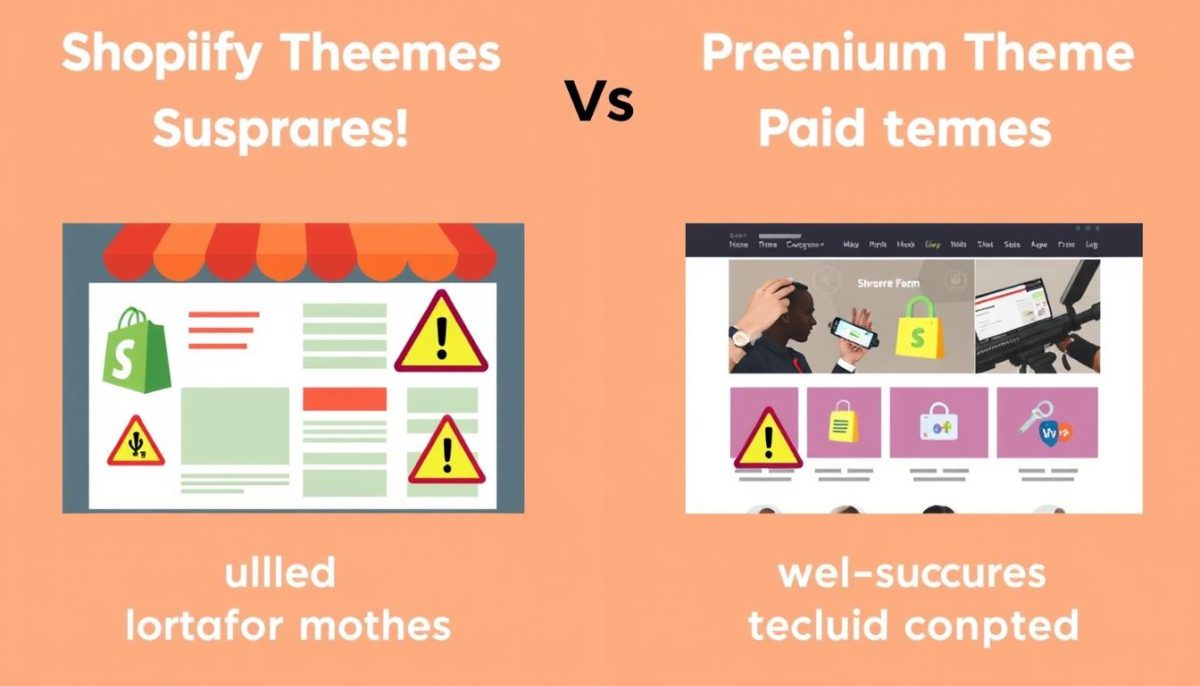
When deciding between nulled and paid Shopify themes, it’s important to understand what you’re really getting—or missing—with each option. Here’s why investing in legitimate themes is worth every penny:
Benefits of Paid Themes
- Professional support from theme developers
- Regular security updates and bug fixes
- Compatibility with latest Shopify features
- SEO-optimized code structure
- No risk of malware or hidden backdoors
- Compliance with Shopify’s Terms of Service
- Better performance and loading speeds
Risks of Nulled Themes
- Security vulnerabilities and malware
- No technical support when issues arise
- Outdated features and compatibility problems
- Poor SEO performance due to bad code
- Potential account suspension by Shopify
- Customer data security risks
- Higher long-term costs from security breaches
The True Cost Comparison
While nulled themes appear free upfront, they often lead to significant expenses down the road. Consider these hidden costs:
| Cost Factor | Nulled Themes | Legitimate Themes |
| Initial Investment | $0 | $50-$350 |
| Security Breach Recovery | $3,000-$10,000+ | Minimal risk |
| Lost Sales During Downtime | Potentially thousands | Minimal risk |
| Developer Fixes for Issues | $75-$150/hour | Often included in support |
| Reputation Damage | Incalculable | Minimal risk |
Compare Theme Options Safely
Not sure which legitimate theme is right for your store? Nulldl.com offers comprehensive theme comparison guides to help you make the best choice for your business needs.
How to Spot Nulled Plugins/Themes
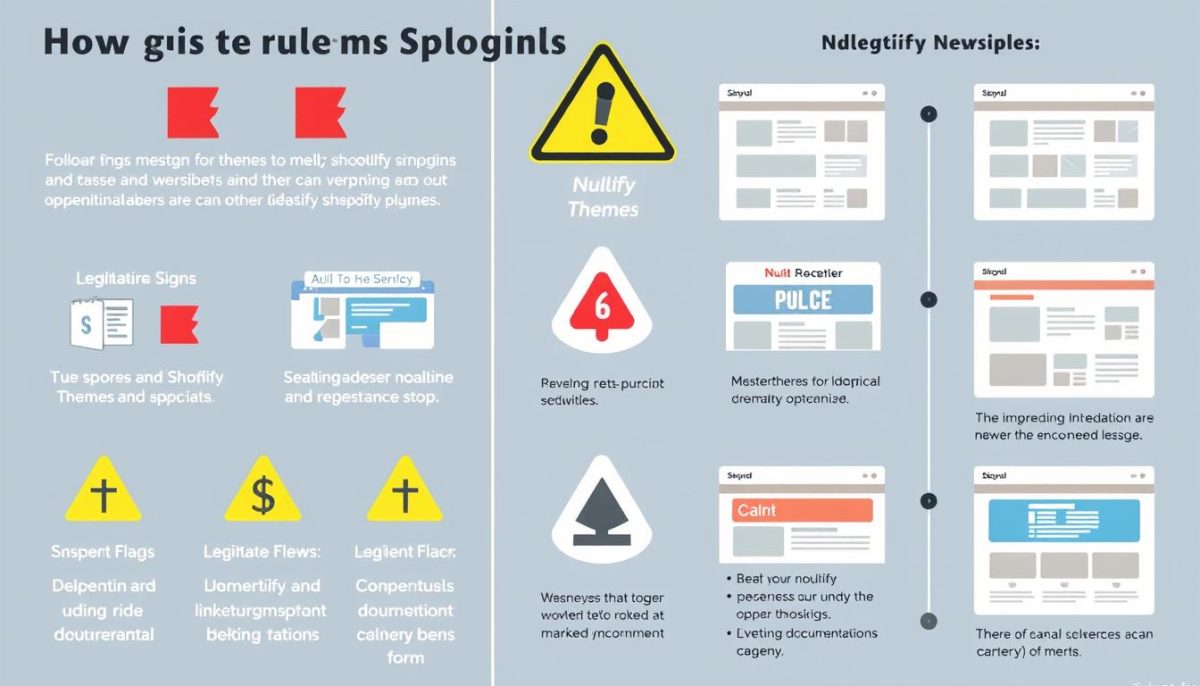
Before you download any Shopify theme or plugin, it’s crucial to know how to identify potentially nulled or pirated versions. Here are the key warning signs to watch for:
Red Flags That Indicate a Theme May Be Nulled
Suspicious Sources
Legitimate Shopify themes are sold through the official Shopify Theme Store or reputable third-party marketplaces like ThemeForest. If you find a premium theme on an unfamiliar website, especially one advertising “free premium themes,” it’s likely nulled.
Missing Licenses
Legitimate themes come with proper licensing documentation. If there’s no mention of a license, or if the site claims the theme is “license-free” or uses terms like “nulled” or “cracked,” it’s almost certainly pirated.
Price Discrepancies
If a theme that normally costs $180 is suddenly available for $10 or free, be extremely suspicious. Legitimate developers rarely offer such extreme discounts outside of major sales events.
Technical Indicators of Nulled Themes
- Broken Features – Nulled themes often have functionality that doesn’t work properly because the licensing verification has been removed or tampered with.
- Outdated Version Numbers – If the theme version is significantly behind the current release mentioned on the official developer’s website, it may be nulled.
- Modified Files – Nulled themes frequently contain modified files to bypass licensing checks, which can introduce security vulnerabilities.
- Missing Documentation – Legitimate themes include comprehensive documentation. If this is missing or incomplete, be wary.
- Poor or Non-existent Support – Sellers of nulled themes typically don’t offer support or have very limited support options.
Shopify Theme Security Checklist
- Verify the theme source is the official Shopify Theme Store or the developer’s website
- Check for a valid license that includes your domain
- Confirm the theme has recent updates and compatibility with the current Shopify version
- Look for comprehensive documentation and support options
- Research the developer’s reputation and review history
- Scan the theme files for malicious code before installation (if possible)
- Test the theme in a development store before using it on your live site
Learn to Verify Theme Authenticity
Concerned about accidentally using nulled plugins? Nulldl.com offers detailed tutorials on how to verify the authenticity of Shopify themes and plugins.
Free Shopify Themes: Are They Reliable?
Not all free themes are created equal. There’s a significant difference between official free Shopify themes and nulled premium themes. Shopify offers several high-quality free themes that are completely legitimate, secure, and supported by the platform.
Official Free Shopify Themes for Dropshipping
Dawn
Shopify’s flagship free theme is perfect for dropshipping stores with its clean, minimalist design and excellent performance metrics. Dawn is fully responsive, loads quickly, and supports large product catalogs—ideal for dropshipping businesses.
Craft
With its focus on visual storytelling, Craft is excellent for dropshipping stores selling products that benefit from rich imagery. It includes features like image zoom and video support that help showcase products effectively.
Sense
Designed for stores with smaller inventories, Sense offers a streamlined shopping experience that works well for focused dropshipping businesses. Its simple navigation and prominent product features help drive conversions.
Benefits of Official Free Themes
- Fully Supported – Official free themes receive the same updates and security patches as premium themes.
- Shopify Compatibility – These themes are guaranteed to work with all of Shopify’s features and future updates.
- Performance Optimized – Official themes are built with performance in mind, ensuring fast loading times.
- Mobile Responsive – All official themes are fully responsive and tested across multiple devices.
- No Security Risks – Unlike nulled themes, official free themes don’t contain malicious code or security vulnerabilities.
“Starting with an official free Shopify theme is often the smartest choice for new store owners. They provide a secure foundation that can be customized as your business grows, without the risks associated with nulled themes.”
Optimize Your Free Theme
Make the most of official free Shopify themes with Nulldl.com’s optimization guides. Learn how to customize and extend free themes for maximum performance and conversions.
Can You Change Shopify Themes Without Losing Content?
One common concern when considering a theme change is whether you’ll lose your existing content. The good news is that Shopify stores your products, collections, blog posts, and pages separately from your theme, so you can change themes without losing this content. However, there are important steps to follow to ensure a smooth transition.
Step-by-Step Guide to Changing Your Shopify Theme Safely
- Backup Your Current Theme – Before making any changes, export your current theme as a backup. In your Shopify admin, go to Online Store > Themes, find your current theme, click Actions > Download theme file.
- Duplicate Your Live Theme – Create a duplicate of your current theme as an additional safety measure. Click Actions > Duplicate on your current theme.
- Install Your New Theme – Add the new theme to your theme library without publishing it yet. This allows you to customize it before it goes live.
- Customize Your New Theme – Configure your new theme’s settings, including colors, fonts, and layout options. Add your logo and favicon.
- Check Content Display – Preview how your products, collections, and pages appear in the new theme and make adjustments as needed.
- Test Functionality – Test critical functions like the shopping cart, checkout process, and any apps you have installed.
- Publish Your New Theme – Once you’re satisfied with how everything looks and functions, publish your new theme by clicking Actions > Publish.
Important: Theme-Specific Content
While your products and pages are preserved when changing themes, theme-specific content like custom sections on your homepage may not transfer automatically. Be sure to document your current layout before switching themes, so you can recreate important elements in your new theme.
Theme Duplication Tips
- Create a detailed inventory of all customizations in your current theme before switching
- Take screenshots of important page layouts to reference when setting up your new theme
- Test your new theme on all device types (desktop, tablet, mobile) before publishing
- Check that all third-party apps are compatible with your new theme
- Consider making the switch during low-traffic periods to minimize disruption
Need Help With Theme Migration?
Changing themes can be complex. Nulldl.com offers comprehensive theme migration guides and troubleshooting resources to ensure a smooth transition.
Nulldl.com: Your Resource for Safe Shopify Development
As a developer resource hub, Nulldl.com specializes in providing legitimate tools, plugins, and educational resources for Shopify and WordPress developers. Unlike sites offering nulled themes, Nulldl.com focuses on helping developers build secure, high-performing websites through proper channels.
Comprehensive Development Resources
WooCommerce & Shopify Plugins
Access detailed information about the best ecommerce plugins, including feature comparisons between free and premium versions. Our plugin comparison guides help you make informed decisions without resorting to nulled software.
SEO & Performance Tools
Discover legitimate SEO tools and optimization resources that improve your store’s visibility and performance. Our SEO resource library includes tutorials on implementing best practices without compromising security.
Multilingual & Localization
Expand your global reach with proper multilingual and localization tools. Our multilingual setup guides walk you through implementing language options safely and effectively.
Expert Tutorials & Compatibility Resources
Nulldl.com specializes in providing detailed tutorials and compatibility information to help developers build and optimize their websites efficiently:
- Plugin Tutorials – Step-by-step guides for implementing and configuring popular plugins
- Compatibility Troubleshooting – Resources for resolving conflicts between themes and plugins
- Version Comparisons – Detailed comparisons between free and premium versions of popular tools
- Development Best Practices – Guides for secure, efficient website development
Build Your Store the Right Way
Skip the risks of nulled themes and access legitimate development resources at Nulldl.com. Our comprehensive library helps you build secure, high-performing online stores.
Conclusion: Prioritize Security and Legitimacy
While nulled Shopify themes may seem like an attractive cost-saving measure, the risks far outweigh any short-term financial benefits. Security vulnerabilities, malware, legal issues, and lack of support make nulled themes a dangerous choice for any serious business.
Instead, consider these safer alternatives:
- Use Shopify’s official free themes, which are secure and fully supported
- Invest in a legitimate premium theme, viewing it as a business investment
- Work with reputable developers who use proper licensing
- Utilize Nulldl.com’s resources to find legitimate tools and tutorials
Building your online store on a foundation of security and legitimacy is essential for long-term success. By avoiding nulled themes and embracing proper development practices, you protect not only your business but also your customers’ trust and data.
Start Building Securely Today
Ready to develop your Shopify store the right way? Explore Nulldl.com’s verified tools and resources to build a secure, professional ecommerce presence.
Frequently Asked Questions
Is it safe to use nulled Shopify themes?
No, using nulled Shopify themes is not safe. They often contain malware, backdoors, and other security vulnerabilities that can compromise your store and customer data. Additionally, using nulled themes violates Shopify’s Terms of Service, which could result in your store being suspended.
Is it worth paying for a Shopify theme?
Yes, investing in a legitimate Shopify theme is definitely worth it. Paid themes offer professional design, regular updates, technical support, and security patches. They’re optimized for conversions and provide a better user experience, which can lead to increased sales that quickly offset the initial investment.
What is a nulled theme?
A nulled theme is a pirated version of a premium theme that has had its licensing and security features removed or bypassed. These unauthorized copies are distributed illegally, often with malicious code added. Using nulled themes violates copyright laws and puts your business at significant risk.
Which Shopify free theme is best for dropshipping?
Dawn is generally considered the best official free Shopify theme for dropshipping. It’s Shopify’s fastest-loading theme with excellent mobile responsiveness and support for large product catalogs. Other good options include Craft and Sense, depending on your specific product types and store needs.
Can I change my Shopify theme without losing content?
Yes, you can change your Shopify theme without losing your products, collections, blog posts, or pages. Shopify stores this content separately from your theme. However, theme-specific content like custom sections on your homepage may need to be recreated. Always back up your current theme before making changes.