GPL vs. Nulled Software: Risks, Legality, and Best Practices for Developers
2025-09-18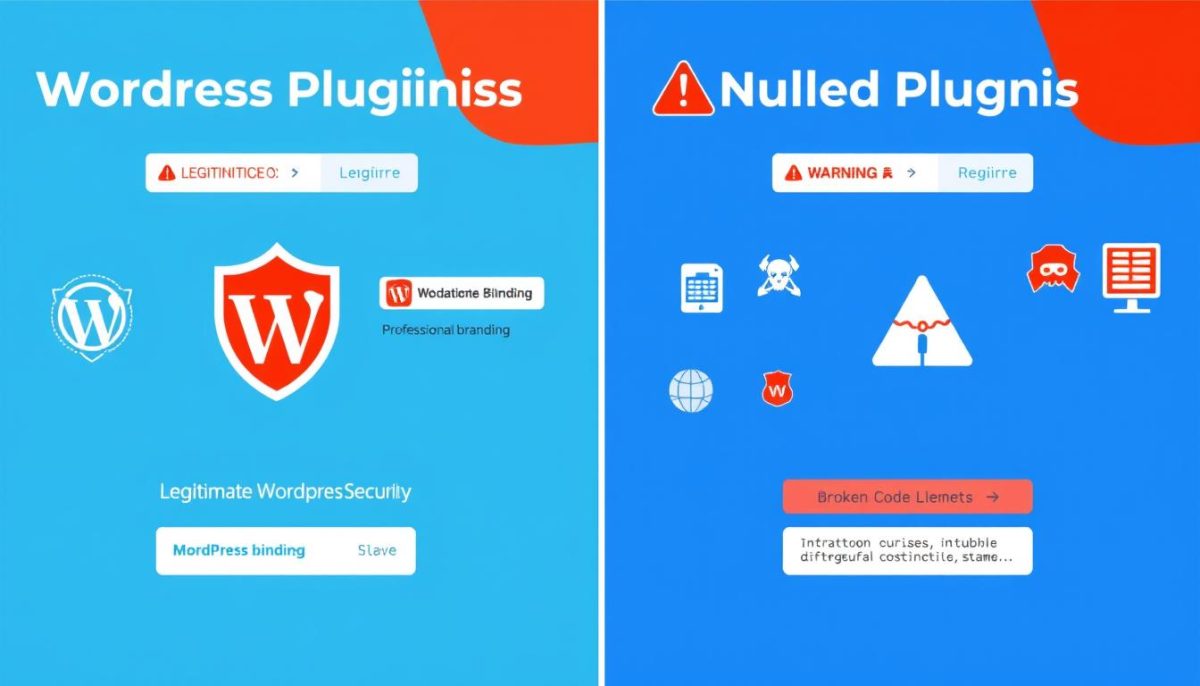
In the world of WordPress development, the temptation to use nulled plugins can be strong, especially when budget constraints are tight. These unauthorized versions of premium plugins might seem like a great way to access advanced features without the price tag, but they come with significant hidden costs. This comprehensive guide explores what nulled plugins are, their legal status, security implications, and how to protect your website from associated risks.
What Are Nulled WordPress Plugins and Themes?
Nulled plugins and themes are unauthorized copies of premium WordPress software that have been modified to bypass licensing requirements. These versions allow users to access premium features without purchasing a valid license key from the original developer. While they might appear identical to legitimate versions at first glance, they typically contain altered code that can pose serious risks to your website.
The term “nulled” refers to the process of removing or “nullifying” the license verification code that would normally require you to enter a valid license key. This modification allows the software to function as if it were properly licensed, but without the security updates, support, and other benefits that come with legitimate purchases.
Important: Nulled plugins are different from free plugins available in the WordPress repository. Free plugins are legitimately offered at no cost by their developers, while nulled plugins are unauthorized copies of paid products.
Are Nulled Plugins Illegal? Understanding the Legal Gray Area
The legality of nulled plugins exists in a complex gray area that depends on several factors, including licensing terms and your jurisdiction. Here’s what you need to know:
The GPL License Complication
Many WordPress plugins are released under the GNU General Public License (GPL), which is an open-source license that allows for free distribution of the software. This creates a confusing situation where:
- The code itself can legally be redistributed under GPL terms
- However, trademarks, branding elements, and commercial aspects remain protected by copyright
- While redistributing the code might be technically legal in some cases, removing license verification is often a violation of terms of service
Legal Jurisdiction Examples
Legal treatment varies significantly by country:
| Jurisdiction | Legal Status of Nulled Plugins | Potential Consequences |
| United States | Potentially violates DMCA and copyright laws | Legal action, DMCA takedowns |
| European Union | Violates copyright directive and trademark laws | Fines, legal action |
| Canada | Violates Copyright Act | Statutory damages up to $20,000 per work |
| Australia | Violates Copyright Act | Fines up to $117,000 for individuals |
Even if redistribution of code is technically legal in some cases due to GPL licensing, using nulled plugins still violates the terms of service of most plugin developers and can result in account termination and loss of support.
Security Risks: The Hidden Dangers of Nulled Plugins
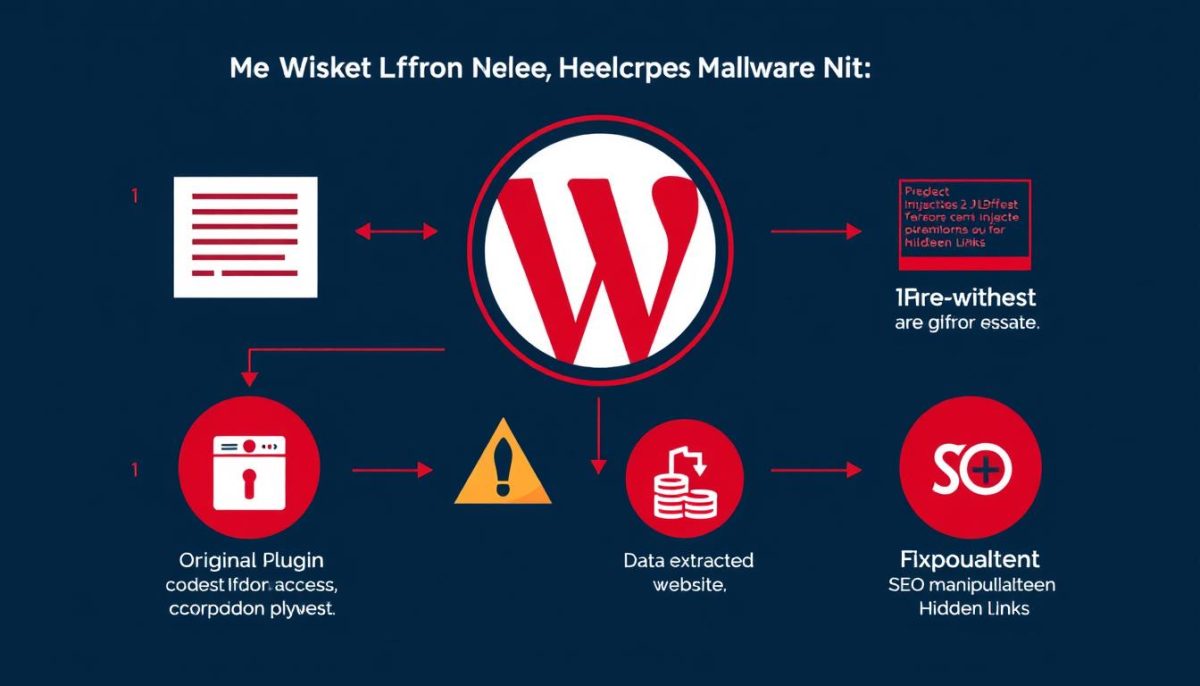
The most significant concern with nulled plugins isn’t legal but security-related. Nulled versions often contain malicious code that can compromise your entire website. Here are the primary security risks:
1. Malware and Backdoor Vulnerabilities
Nulled plugins frequently contain deliberately inserted malicious code that creates backdoor access to your website. This allows hackers to:
- Access your admin dashboard without credentials
- Inject spam content throughout your site
- Install additional malware
- Modify existing files without your knowledge
2. Data Theft and Privacy Breaches
Compromised plugins can silently collect sensitive information from your site, including:
- Customer personal data and payment information
- User login credentials
- Email addresses for spam campaigns
- Proprietary business information
“What seems like a good option for cheap plugins and themes can turn into a broken website and stolen user data.”
3. SEO Penalties and Blacklisting
Nulled plugins often contain hidden SEO spam that can severely damage your site’s reputation:
- Invisible backlinks to questionable websites
- Hidden content promoting unrelated products
- Cloaked redirects to malicious sites
- Google blacklisting and search ranking penalties
Real-World Impact: Many businesses discover nulled plugin issues only after experiencing significant damage. By the time symptoms appear (site slowdowns, strange content, or customer complaints), the damage is often extensive and costly to repair.
How to Check if You’re Using Nulled Plugins
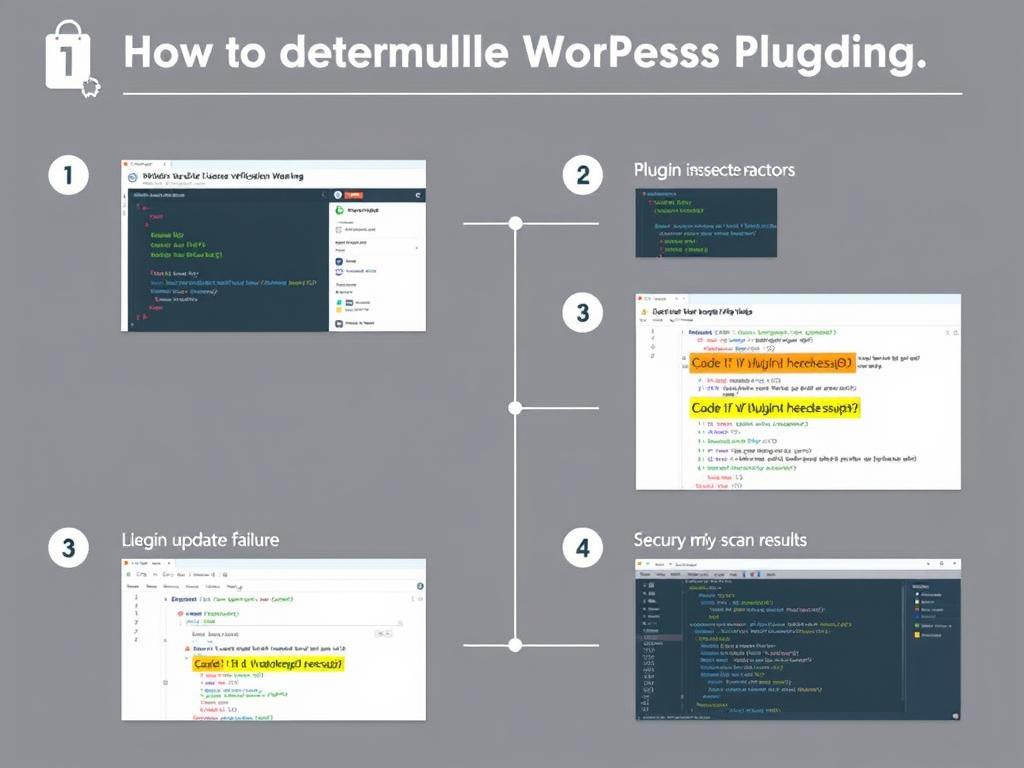
If you’re concerned that your site might be using nulled plugins, either intentionally or because a developer installed them without your knowledge, here’s how to check:
Nulled Plugin Detection Checklist
- Check license status: Navigate to the plugin settings page and look for license validation fields. If they show as “invalid” or are missing entirely, this is a red flag.
- Verify update capabilities: Nulled plugins typically cannot receive automatic updates. If a plugin hasn’t updated despite new versions being available, it might be nulled.
- Inspect file modifications: Use a file integrity monitoring tool to check if core plugin files have been modified from their original versions.
- Run security scans: Use WordPress security plugins like Wordfence or Sucuri to scan for malicious code signatures common in nulled plugins.
- Check for unusual outbound connections: Monitor your server logs for suspicious outbound connections that might indicate data exfiltration.
Code Inspection Tools
For more technical users, these tools can help identify suspicious code:
File Comparison Tools
- WP File Manager
- Beyond Compare
- Diff Checker
Malware Scanners
- Wordfence Security
- Sucuri Security
- MalCare
Many WordPress users turn to nulled plugins because they’re seeking premium functionality without the cost. However, there are legitimate alternatives worth considering:
Legitimate Free Alternatives
The WordPress repository offers thousands of free plugins that provide robust functionality without the risks of nulled versions:
| Category | Premium Example | Free Alternative | Key Features |
| Page Builders | Elementor Pro ($49+) | Elementor Free | Basic templates, drag-and-drop editing, responsive design |
| SEO Tools | Yoast SEO Premium ($99) | Yoast SEO Free | On-page analysis, XML sitemaps, basic schema |
| E-commerce | WooCommerce Extensions | WooCommerce Core | Product management, checkout, payment gateways |
| Backup Solutions | BackupBuddy ($80+) | UpdraftPlus Free | Manual backups, basic restore options |
| Multilingual | WPML ($79+) | Polylang | Basic translation management, language switcher |
When Premium Plugins Are Worth the Investment
In certain scenarios, investing in premium plugins delivers value that far outweighs the cost:
Benefits of Premium Plugins
- Regular security updates and patches
- Professional support when issues arise
- Advanced features for specific business needs
- Better performance optimization
- Compatibility with other premium tools
Risks of Cutting Corners
- Security vulnerabilities and data breaches
- No support when problems occur
- Site performance issues and conflicts
- Potential legal liability for client sites
- Reputation damage if compromised
Many premium plugins offer freemium versions that provide basic functionality while allowing you to upgrade when needed. This approach lets you test capabilities before investing.
How Nulldl.com Helps WordPress Users Make Safe Choices
At Nulldl.com, we understand the challenges WordPress users face when building and optimizing websites. Our mission is to provide educational resources that help you make informed decisions about plugins and themes without compromising security.
Our Educational Resources
Plugin Comparisons
Detailed comparisons between free and premium versions of popular plugins, helping you understand exactly what you get with each option.
Compatibility Guides
Troubleshooting resources for resolving plugin conflicts and ensuring smooth operation across different WordPress setups.
Tutorial Library
Step-by-step guides for maximizing plugin functionality without needing to resort to nulled versions.
Explore Our WordPress Resource Center
Access our comprehensive library of tutorials, compatibility guides, and optimization resources for WordPress and Shopify sites.
Where to Safely Source WordPress Plugins
Finding reliable sources for WordPress plugins is essential for maintaining site security and performance. Here are the safest places to obtain plugins:
Official WordPress Repository
The WordPress.org plugin repository remains the safest source for free plugins. All submissions undergo review for security and coding standards before being made available to users.
Developer Websites
Purchasing directly from plugin developers ensures you’re getting legitimate software with proper licensing and support. Most developers offer detailed documentation and responsive customer service.
Reputable Marketplaces
Several trusted marketplaces specialize in WordPress products:
- ThemeForest/CodeCanyon: Envato’s marketplaces with quality control and buyer protection
- Creative Market: Curated marketplace with independent developers
- MOJO Marketplace: Vetted collection of themes and plugins
Pro Tip: Many premium plugin developers offer significant discounts during seasonal sales (Black Friday, Cyber Monday, etc.). Subscribing to developer newsletters can alert you to these opportunities for legitimate savings.
Nulled vs. Licensed Plugins: The True Cost Comparison
When evaluating nulled versus licensed plugins, it’s important to consider the total cost of ownership, not just the initial price tag:
| Factor | Licensed Plugin | Nulled Plugin |
| Initial Cost | $49-299 (typical range) | $0 |
| Security Updates | Regular automatic updates | None or manual only |
| Technical Support | Direct access to developers | None |
| Malware Risk | Minimal | High |
| Data Breach Cost | N/A | $3,800-$150,000+ (small business average) |
| Site Recovery | N/A | $1,000-5,000 (typical cleanup cost) |
| SEO Recovery | N/A | 3-12 months of lost rankings |
“The cost of recovering from a single security breach typically exceeds the lifetime cost of properly licensed plugins for an entire website.”
Frequently Asked Questions About WordPress Plugins

What happens when you deactivate a nulled plugin?
When you deactivate a nulled plugin, its active functions stop working, but any malicious code it may have injected could remain in your database or other files. Simply deactivating isn’t enough to remove security threats—you’ll need to completely delete the plugin and potentially scan your site for leftover malicious code. Nulldl.com Free WordPress & Shopify Themes & Plugins Resource Hub
Can the Restricted Site Access Plugin protect my site?
The Restricted Site Access plugin can limit who can view your WordPress site, but it cannot protect against the internal threats posed by nulled plugins. Security plugins like Wordfence or Sucuri are better options for detecting malicious code. For optimal protection, combine these with regular security audits and using only legitimate plugins from trusted sources.
Why are some plugins free while others require licenses?
Plugins are free for various reasons: developers may offer basic versions to build reputation, generate leads for premium versions, or simply contribute to the WordPress community. Premium plugins typically offer advanced features, dedicated support, and regular updates that require ongoing development resources. Many developers use a “freemium” model where basic functionality is free, but advanced features require payment.
How can I check if a plugin is nulled?
To check if a plugin is nulled, look for these warning signs: missing or non-functional license verification, inability to receive updates, unusual code in plugin files, or getting the plugin from an unofficial source. You can also use security plugins to scan for malicious code signatures commonly found in nulled plugins. Nulldl.com provides a comprehensive tutorial on identifying potentially compromised plugins.
Are multilingual plugins worth the investment for cross-border e-commerce?
For cross-border e-commerce, professional multilingual plugins are absolutely worth the investment. They ensure accurate translation of product descriptions, checkout processes, and legal information—all critical for international sales. While free alternatives exist, premium options like WPML or TranslatePress offer advanced features specifically designed for e-commerce, including WooCommerce integration, automatic currency conversion, and localized checkout experiences.
Making the Right Choice for Your WordPress Site
The allure of nulled plugins is understandable—premium functionality without the price tag seems like a win-win. However, as we’ve explored throughout this guide, the risks far outweigh the short-term financial benefits.
Your WordPress site represents your business, brand, or personal project. Protecting it with legitimate, properly maintained plugins isn’t just a technical decision—it’s an investment in your digital future. By choosing official sources, you support the WordPress ecosystem that continues to provide the tools and resources that power over 40% of the web.
Free WordPress & Shopify Themes & Plugins Resource Hub
Nulldl.com offers a rich resource of WordPress and Shopify theme plugins, including WooCommerce plugins, page builders, SEO tools, multilingual plugins, and site backup extensions. We specialize in plugin tutorials, compatibility troubleshooting, free and paid version comparisons, and resource sharing, helping cross-border e-commerce and independent website developers quickly build and optimize their websites.
Remember that many premium plugins offer free versions with core functionality, and investing in critical premium tools often costs less than recovering from a single security incident. Make the smart choice for your website’s long-term success and security.